Remote ID compliance has gotten complicated with all the firmware requirements and enforcement timelines flying around. As someone who’s walked countless DJI owners through the update process, I learned everything there is to know about getting your drone compliant before the FAA comes knocking. Today, I will share it all with you.
The DJI Remote ID Firmware Update
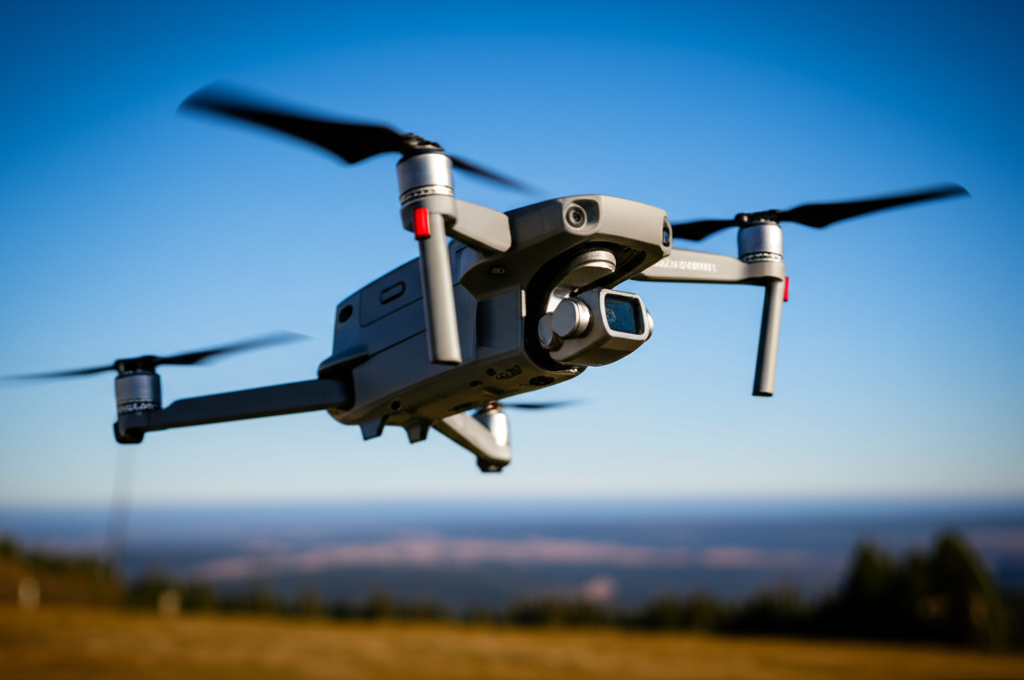
DJI pushed firmware updates enabling Remote ID broadcast compliance for several popular drone models including the Mini 3 Pro and Air 3 series. That’s what makes this update endearing to us DJI users — it means you don’t need to buy separate broadcast module hardware. The compliance is built right into the firmware you already have access to, free of charge.
How to Update
Probably should have led with this section, honestly. Owners should update through the DJI Fly app before their next flight. The process is straightforward — connect your drone to the controller, open the DJI Fly app, and it should prompt you with available firmware updates. Accept the update, let it install (don’t disconnect during the process), and you’re done. The update activates automatic Remote ID broadcasting that meets FAA specifications.
If you’re not seeing the update prompt, make sure your DJI Fly app itself is updated to the latest version first. Sometimes the app needs to update before it can push the drone firmware. Also check that your drone has adequate battery — I’d recommend at least 50% before starting any firmware update to avoid issues from a mid-update power loss.
Why You Can’t Ignore This
Pilots flying without current firmware risk enforcement action under Remote ID regulations that are now actively enforced nationwide. The FAA has been deploying detection equipment near airports and other sensitive areas that can identify drones not broadcasting Remote ID. This isn’t theoretical — enforcement actions are happening, and fines start at $1,100 per violation.
Even if you mostly fly in rural areas away from detection equipment, keeping your firmware current is just good practice. The enforcement infrastructure is expanding, and getting caught flying without Remote ID compliance isn’t worth the risk when the fix is literally a free firmware update that takes ten minutes.
Which Models Are Covered
The Remote ID firmware update covers most DJI drones manufactured from 2021 onward. If you’re flying an older model that doesn’t support the firmware update, you’ll need an aftermarket Remote ID broadcast module from manufacturers like DroneTag. These modules cost between $150 and $300, which stings a bit, but it’s cheaper than an FAA enforcement action. Check DJI’s official compatibility list if you’re unsure whether your specific model supports the built-in Remote ID update.