Understanding DJI Intelligent Battery Systems
DJI drones utilize sophisticated intelligent battery systems that go far beyond simple lithium polymer cells. These smart batteries communicate with your drone to monitor cell voltage, temperature, remaining capacity, and charge cycles. The intelligent management system helps prevent over-discharge, maintains optimal performance, and extends overall battery lifespan through carefully controlled charging protocols.
Each DJI intelligent battery contains its own microprocessor that tracks usage patterns and health metrics. This data is accessible through the DJI Fly or DJI Pilot apps, allowing pilots to make informed decisions about battery retirement and replacement. Understanding how these systems work is crucial to selecting the right charger and maintaining your investment.
Standard Chargers vs Hub Chargers: Sequential vs Parallel Charging
DJI offers two primary charging approaches: standard single-battery chargers and multi-battery charging hubs. The choice between them significantly impacts your workflow and charging efficiency.
Standard Chargers
Standard DJI chargers connect to one battery at a time, delivering full power to that single battery for the fastest individual charge time. For pilots with one or two batteries, this is the most cost-effective solution. A typical DJI Mini 3 Pro battery charges from 0 to 100% in approximately 64 minutes using the standard 30W charger.
Sequential Hub Chargers
Most DJI charging hubs use sequential charging, where batteries are charged one at a time in order of highest to lowest remaining charge. The hub intelligently prioritizes batteries so you can get back in the air quickly with your most-charged battery while others continue charging. This is ideal for solo operators who need to rotate batteries throughout the day.
For example, the DJI Mini 3 Pro Two-Way Charging Hub charges three batteries sequentially, taking approximately 3 hours to fully charge all three batteries from empty.
Parallel Hub Chargers
Some third-party hubs offer true parallel charging, distributing power across multiple batteries simultaneously. While this sounds efficient, it significantly increases total charging time per battery and can generate more heat. Parallel charging is generally only recommended for specific racing drone applications where battery matching is critical.
Fast Charging Impact on Battery Life
Fast charging is convenient but comes with trade-offs that every drone pilot should understand. Lithium polymer batteries undergo chemical stress during charging, and higher charge rates increase this stress exponentially.
DJI’s intelligent batteries are designed to handle their specified charge rates safely, but consistently using fast charging can reduce overall battery lifespan by 15-25% compared to slower charging. Here’s what happens during fast charging:
- Increased heat generation: Fast charging produces more waste heat, and elevated temperatures accelerate battery degradation
- Lithium plating: Extremely fast charging can cause lithium metal to deposit on the anode, reducing capacity and creating safety hazards
- Electrolyte breakdown: Higher charge rates stress the electrolyte, gradually reducing its effectiveness
- Cell imbalance: Fast charging can cause individual cells within the battery pack to charge at slightly different rates
For maximum battery longevity, use standard-rate charging whenever time permits. Reserve fast charging for situations where you genuinely need quick turnaround times. Many professional pilots maintain separate battery sets: fast-charged “field batteries” for critical shoots and slow-charged “studio batteries” for planned work.
Car Chargers and Portable Power Stations for Field Use
Field charging capability is essential for professional drone operations and extended recreational flights. Several options exist for charging away from wall outlets.
DJI Car Chargers
Official DJI car chargers plug into your vehicle’s 12V cigarette lighter port and deliver the same charging performance as wall chargers. The DJI 65W Car Charger works with most DJI drones including Mini, Air, and Mavic series. Critical consideration: your vehicle must be running during charging to avoid draining the car battery, and charging will be slower than AC power due to inverter efficiency losses.
Portable Power Stations
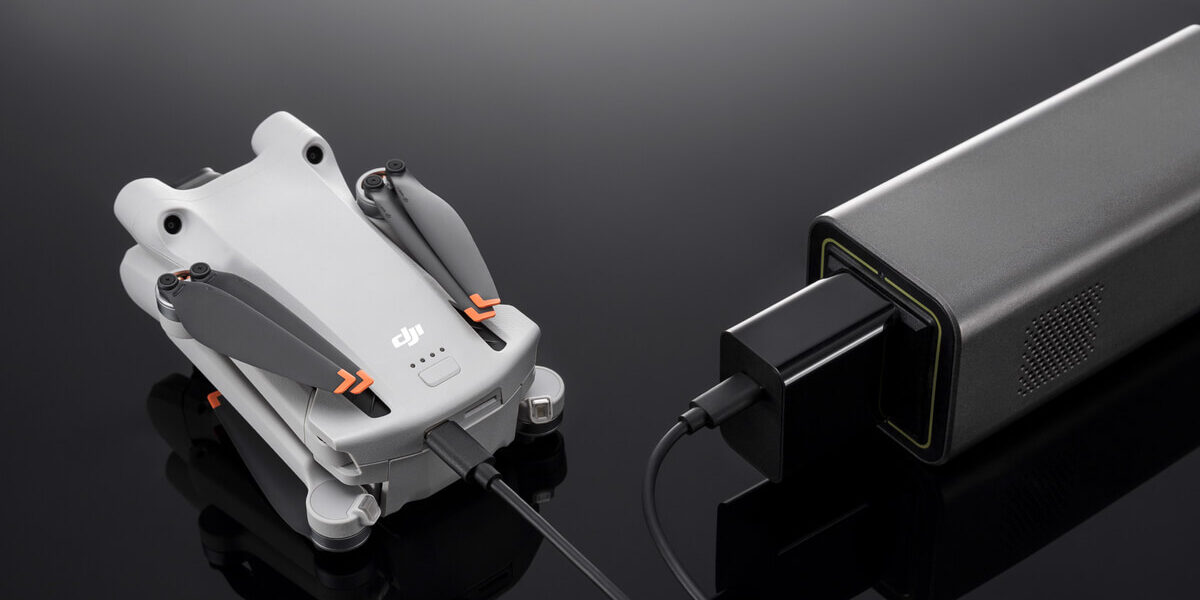
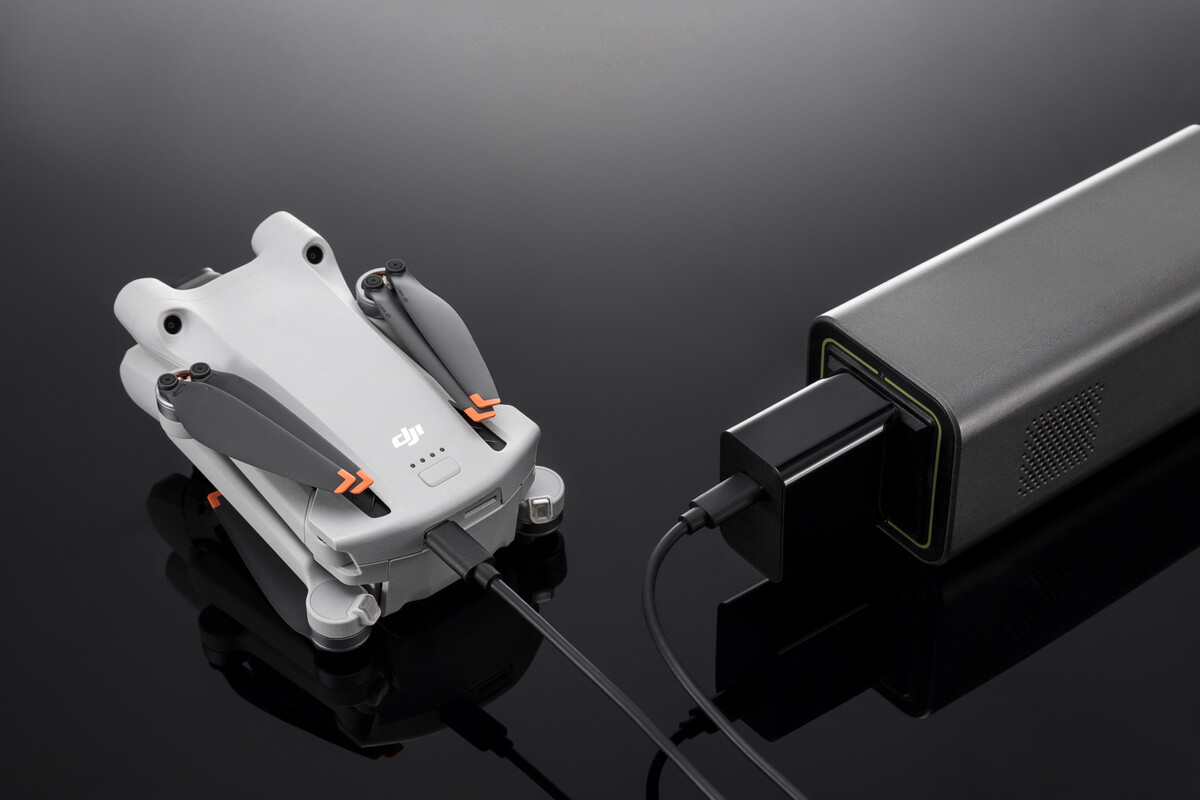
Portable power stations from brands like Jackery, Bluetti, and EcoFlow have become the professional standard for field charging. These lithium battery packs provide standard AC outlets, allowing you to use your regular DJI chargers anywhere.
When selecting a power station for drone charging, calculate your total battery capacity and add 30-40% for conversion losses. For example, charging four DJI Mini 3 Pro batteries (2,453mAh each at 7.38V = ~18Wh per battery = 72Wh total) requires approximately 100Wh of power station capacity accounting for inefficiency.
Popular options include the Jackery Explorer 240 (240Wh, $200), perfect for small drones, and the Bluetti EB70 (716Wh, $500), capable of charging larger drone batteries multiple times.
Solar Charging
For extended backcountry operations, portable solar panels can recharge power stations during the day. Expect 4-6 hours of optimal sunlight to recharge a 240Wh power station with a 100W solar panel. This extends mission duration indefinitely in remote locations.
Safety Considerations: Temperature, Overcharging, and Storage
Lithium polymer battery safety requires vigilance across multiple factors:
Temperature Management
Never charge batteries in extreme temperatures. The safe charging range is 41°F to 104°F (5°C to 40°C). Charging cold batteries can cause lithium plating, while charging hot batteries accelerates degradation and increases fire risk. Always allow batteries to return to room temperature before charging after flight or storage.
Overcharging Protection
DJI intelligent batteries have built-in overcharge protection, automatically stopping the charge cycle at 100%. However, leaving batteries connected to chargers for extended periods (days or weeks) can lead to trickle charging and cell imbalance. Disconnect batteries promptly after charging completes.
Storage Charging
For batteries that won’t be used for more than 10 days, store them at 40-60% charge. DJI batteries automatically discharge to storage levels (approximately 60%) if left unused for 10 days. This auto-discharge feature significantly extends shelf life. Never store batteries fully charged or completely empty for extended periods.
Physical Inspection
Before every charge, inspect batteries for physical damage: swelling, dents, punctures, or damaged contacts. A swollen battery indicates internal damage and must be retired immediately. Never charge a damaged battery.
Fire Safety
Always charge batteries on non-flammable surfaces away from flammable materials. Consider using a LiPo charging bag or fireproof container. Keep a fire extinguisher nearby, and never leave charging batteries unattended for extended periods.
Third-Party vs OEM Chargers: Risks and Benefits
The market offers numerous third-party charging solutions promising faster charging, multi-brand compatibility, or lower prices. Understanding the trade-offs is critical.
Benefits of Third-Party Chargers
- Cost savings: Third-party chargers typically cost 40-60% less than OEM options
- Multi-platform compatibility: Some chargers work with multiple drone brands
- Enhanced features: Some offer LCD displays, advanced charging profiles, or additional USB ports
- Higher power output: Certain third-party chargers deliver more wattage for faster charging
Risks of Third-Party Chargers
- Warranty concerns: Using non-OEM chargers may void DJI warranty coverage
- Communication protocol mismatch: Third-party chargers may not communicate properly with intelligent battery management systems
- Quality control variability: Manufacturing standards vary widely among third-party manufacturers
- Charging profile differences: Incorrect voltage curves or current limits can damage batteries or reduce lifespan
- Safety certification gaps: Not all third-party chargers carry UL or CE safety certifications
Making the Choice
For most pilots, official DJI chargers provide the best balance of safety, compatibility, and battery longevity. The modest price premium is justified by guaranteed compatibility and warranty protection. If you choose third-party options, research thoroughly, read reviews from verified purchasers, verify safety certifications, and monitor battery health closely after switching chargers.
Reputable third-party brands with proven track records in the drone community include Hanatora and Powerextra, though individual product quality still varies. Always purchase from authorized retailers to avoid counterfeit products.
Conclusion
Proper charging practices are fundamental to drone ownership economics and flight safety. Understanding the capabilities and limitations of different charging solutions allows you to make informed decisions that balance convenience, cost, and battery longevity. Invest in quality charging equipment, follow manufacturer guidelines, and monitor battery health regularly to maximize your return on investment and ensure safe operations.




Stay in the loop
Get the latest dronefaaregulations updates delivered to your inbox.